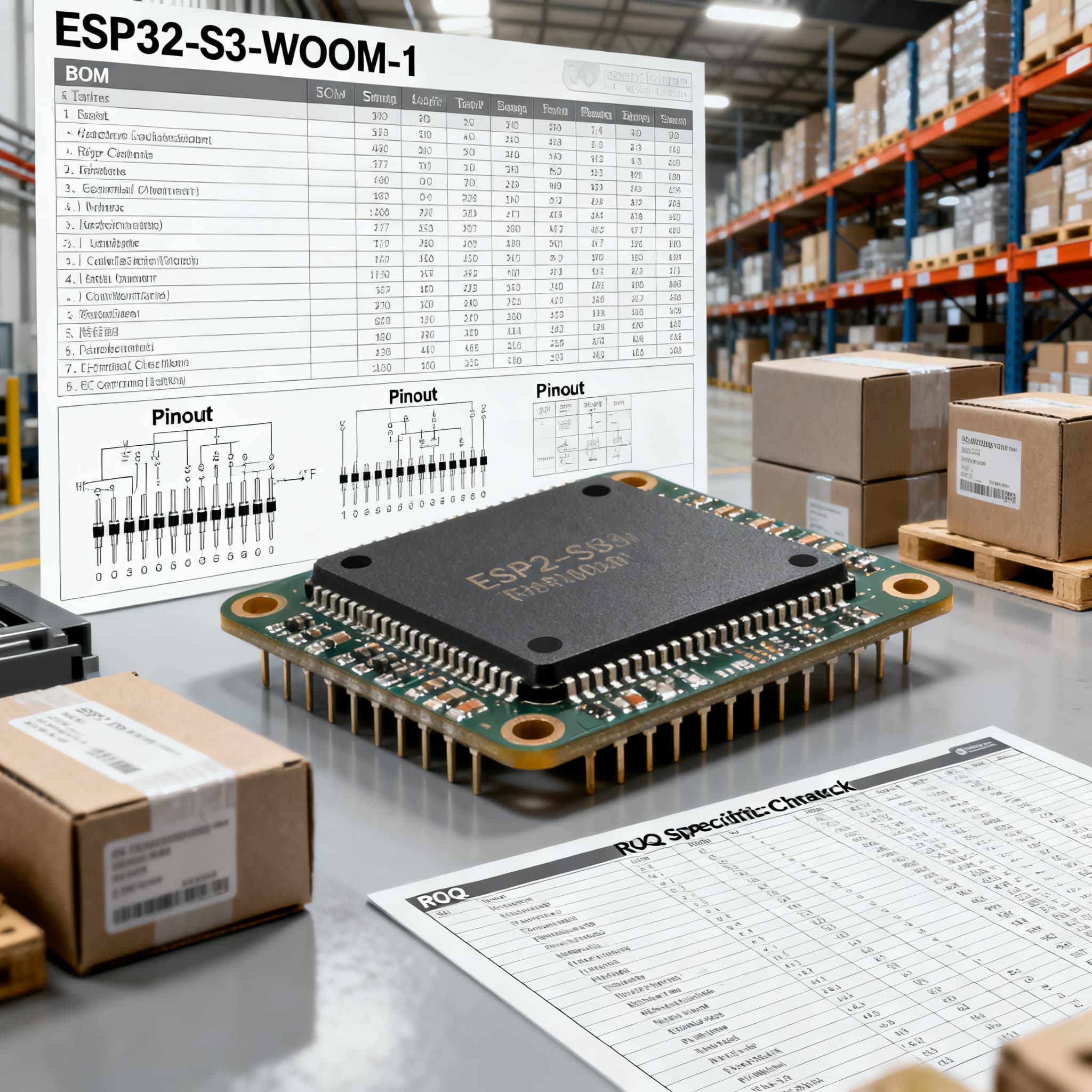
ESP32-S3-WROOM-1 Procurement Guide: Pinout and Spec Checks for RFQ
ESP32-S3-WROOM-1 procurement checklist: datasheet specs and pinout fields to verify on RFQ, plus BOM upload path on BOMNow.
When you’re managing a multi-line BOM that includes the Espressif ESP32-S3-WROOM-1 module, getting the pinout, memory configuration, and antenna variant right before you issue an RFQ can save weeks of rework and supply-chain headaches. The rise of the S3 family is not just a performance upgrade—it’s a direct response to the NRND (Not Recommended for New Designs) status of the earlier ESP32-WROOM-32. This guide walks procurement managers, sourcing engineers, and supply-chain leads through the exact pinout and spec checks you need to verify when quoting ESP32-S3-WROOM-1, so you don’t accidentally order legacy stock or incompatible variants.
Why the ESP32-WROOM-32 NRND Status Demands a Switch to S3-WROOM-1 in Your BOM
Espressif’s decision to mark the ESP32-WROOM-32 as Not Recommended for New Designs is now documented across multiple datasheet revisions. Procurement teams that still stock the WROOM-32 for new production runs face a real risk of buying into a part that will see reduced support, limited firmware updates, and eventual obsolescence. The NRND flag appears in ESP32-WROOM-32 Datasheet v3.4, Mouser’s v3.6, Espressif’s official v3.7, and Mouser v3.5—it’s unambiguous.
For anyone building a new IoT gateway, industrial sensor, or smart display, the ESP32-S3-WROOM-1 is the direct replacement candidate. The S3 series brings a dual-core LX7 processor, native USB Serial/JTAG, and a rich set of I/O that the WROOM-32 couldn’t offer. From a procurement standpoint, the most immediate action is to scrub your BOMs for the old ESP32-WROOM-32 and validate that your design will migrate to the S3-WROOM-1 without pinout surprises. The NRND status also means that authorized distributors may start to phase out WROOM-32 inventory, making lead times unpredictable. By shifting to the S3 now, you can lock in a consistent supply of a current-generation module and avoid the last-time-buy scramble that often follows NRND notices.
ESP32-S3-WROOM-1 Pinout and Key Specs You Must Validate Before You Quote
The ESP32-S3-WROOM-1 packs 41 pins into a compact SMD footprint, but many of those pins are dedicated to the internal flash and PSRAM, leaving a subset of GPIOs available for your application. Before you draft an RFQ, you need to confirm that the pinout aligns with your board’s I/O requirements. The definitive source is the v1.8 datasheet (also available on Mouser), while the preliminary pin diagram and the DevKitC-1 reference provide useful cross-checks.
The table below captures the pins that most often cause confusion during BOM sign-off. It isn’t a full pin listing—it’s a procurement-focused verification table that highlights the signals you’ll want to match against your schematic before committing to a purchase order.
| Pin Name | Pin Number | Default Function | Procurement Verification Notes |
|---|---|---|---|
| VDD3P3_CPU | 1 | 3.3 V power input for the CPU/SoC | Verify supply rail noise and decoupling; ensure the power sequence meets the datasheet ramp-up specification. |
| EN | 3 | Module enable (active high) | Must be externally driven; floating or weak pull‑down can cause unpredictable startup. Include pull‑up in your BOM if not already present. |
| GPIO0 | 25 | Boot mode select (low = download mode) | Often used for firmware flashing; confirm that your production programming fixture controls this pin correctly. |
| GPIO3 (JTAG TMS) | 26 | JTAG TMS / Strapping pin | Used for boot mode selection; avoid strong pull‑down unless intentional. The built‑in USB‑JTAG uses GPIO19/20, so this pin may be free for GPIO. |
| GPIO19 / USB_D- | 37 | USB OTG data (negative) / GPIO | If you plan to use the native USB Serial/JTAG for programming, verify that these pins are routed to a USB connector and that your test fixture supports direct USB connection. |
| GPIO20 / USB_D+ | 38 | USB OTG data (positive) / GPIO | Same as above; these are 3.3 V tolerant, not 5 V, so external level shifting is required if connecting to a standard USB host. |
| U0TXD | 36 | UART0 transmit (debug console) | Often used for factory test logging; confirm that your production test station can read UART output even if USB is used. |
| U0RXD | 35 | UART0 receive | Same as above; also used for flashing if USB‑JTAG is not configured. |
| GPIO45 | 13 | VDD_SPI power control (flash) | Internally tied to flash voltage; do not drive externally. If your design attempts to use this pin, it will conflict with the module’s internal flash. |
| GPIO46 | 12 | VDD_SPI power control (PSRAM) | Also tied to PSRAM voltage; treat as reserved. |
Tip: Always cross-reference the v1.8 datasheet for the exact pin definition table. The version you use matters: older preliminary documents (like v0.5.1) may list pins that have changed in final production silicon. When you prepare the RFQ, specify the datasheet revision you’re designing against and ask the supplier to confirm that the delivered modules match that revision.
WROOM-1 vs WROOM-1U and PSRAM Options: Decoding the Part Number for Your BOM
One of the most frequent procurement mistakes is treating the ESP32-S3-WROOM-1 as a single, monolithic part. In reality, the module family splits into two antenna variants and a range of flash/PSRAM combinations. The esp32.co.uk community guide and the Espressif modules product line make it clear: your RFQ must state the exact ordering code, or you risk receiving a module that won’t fit your design or certification requirements.
| Parameter | WROOM-1 (PCB Antenna) | WROOM-1U (U.FL Connector) | Selection Guidance |
|---|---|---|---|
| Antenna | Integrated PCB trace antenna | External U.FL/IPEX connector | Choose WROOM-1 for compact, cost‑sensitive designs with adequate PCB keep‑out areas. Choose WROOM-1U when the module is mounted inside a metal enclosure or when the antenna needs to be placed away from the board. |
| Typical gain | ~2 dBi peak | Dependent on external antenna (typically 2–3 dBi with a matched dipole) | If range is critical, the external antenna path often delivers better performance and easier tuning. |
| Certification impact | FCC/CE modular approval with the PCB antenna | FCC/CE modular approval with the U.FL connector; end‑product certification must consider the external antenna | Switching from WROOM-1 to WROOM-1U may require re‑certification or at least a Class II permissive change. Always review the module’s test reports before changing the antenna variant. |
| PSRAM density options (ordering code suffix) | N8R2 – 8 MB Flash + 2 MB PSRAM N16R8 – 16 MB Flash + 8 MB PSRAM N16R16VA – 16 MB Flash + 16 MB PSRAM (octal PSRAM, high‑speed) | If your firmware uses LVGL, camera drivers, or large network buffers, specify at least N8R2. For richer UI or edge AI workloads, N16R8 or N16R16VA are safer. There is no PSRAM‑less variant in the standard WROOM-1/U line—always confirm with the distributor. | |
Note: The suffix “VA” in N16R16VA indicates octal PSRAM with high‑speed (80 MHz) support. If your application doesn’t need that bandwidth, the N16R8 variant can reduce cost, but always verify that your firmware framework can handle the different PSRAM types. The esp32.co.uk guide offers a practical breakdown of when each memory configuration makes sense.
Writing an RFQ That Lands the Right ESP32-S3-WROOM-1: Pitfalls and Procurement Tips
Even experienced buyers can stumble when quoting the ESP32-S3-WROOM-1 because the part number alone doesn’t capture the antenna variant or memory configuration. The NRND lesson from the ESP32-WROOM-32 teaches us that relying on a generic MPN is a recipe for receiving outdated silicon. Here are the most common pitfalls and how to avoid them.
| Pitfall | What Happens | How to Avoid |
|---|---|---|
| Requesting the wrong flash/PSRAM combination | You receive modules with 2 MB PSRAM when your firmware needs 8 MB, or vice‑versa, causing boot failures or reduced functionality. | Always include the full ordering code suffix (e.g., ESP32‑S3‑WROOM‑1‑N16R8) in the RFQ. Attach the firmware memory map and confirm with your engineering team. |
| Overlooking the antenna variant | You get WROOM‑1U with a U.FL connector but your board was designed for a PCB antenna, resulting in poor RF performance and a mechanical mismatch. | Specify “WROOM‑1” or “WROOM‑1U” explicitly in the line item description. If you need an external antenna, also list the compatible antenna part number in the same RFQ. |
| Assuming drop‑in compatibility with the ESP32‑WROOM‑32 | The pinout is different; you’ll face a complete PCB re‑spin and likely a firmware re‑compile. | Refer to the v1.8 datasheet pin definitions and never treat the S3‑WROOM‑1 as a form‑fit‑and‑function replacement. |
| Basing the RFQ on a preliminary datasheet (e.g., v0.5.1) | Pin assignments and electrical specs may have changed, leading to a board that doesn’t work with production silicon. | Request the latest production revision (v1.8 or newer) and ask the supplier to confirm that the modules are from chip revision v1.0 or later. |
| Not specifying production revision or PCN policy | You receive pre‑production samples or silicon that will be superseded within months, creating a long‑term supply risk. | Include a line in the RFQ: “Modules must be chip revision v1.0 or later. Please provide a copy of the current Product Change Notification (PCN) policy and confirm that no PCN is pending.” |
| Ignoring the built‑in USB‑JTAG impact on programming | Your production test fixture expects an external UART‑to‑USB bridge, but the module’s native USB interface changes the programming flow. | Collaborate with your test engineering team to decide whether to use the native USB‑JTAG (GPIO19/20) or a traditional UART. State which programming interface is required in the RFQ so the supplier can confirm compatibility. |
When you’re ready to source, a consolidated RFQ that includes the exact ordering code, antenna variant, memory suffix, and a request for PCN history will dramatically reduce the chance of receiving the wrong modules. This also gives your distributor the information they need to check lead‑time accuracy, especially if one variant is in tighter supply than another.
ESP32-S3-WROOM-1 Sourcing FAQ: What Senior Buyers and Engineers Need to Know
Q: How do I determine whether my design needs PSRAM and which density to specify?
If your application uses a display (LVGL), camera, or large network buffers, PSRAM is essential. Check the ordering code: N8R2 = 8 MB Flash + 2 MB PSRAM, N16R8 = 16 MB Flash + 8 MB PSRAM, and N16R16VA = 16 MB Flash + 16 MB octal PSRAM. Match the memory requirements of your firmware framework and be explicit in the RFQ to avoid receiving the wrong variant.
Q: What is the practical difference between WROOM-1 and WROOM-1U, and how does it affect certification?
WROOM-1 integrates a PCB antenna; WROOM-1U brings out a U.FL connector for an external antenna, offering better range and placement flexibility. Changing from one to the other may invalidate existing FCC/CE modular approvals because the antenna type is part of the grant. Always confirm certification status with the module’s test reports before switching, and consult your regulatory lab if a Class II change is required.
Q: Can I drop an ESP32-S3-WROOM-1 into a board designed for the older ESP32-WROOM-32?
No, the pinouts are not compatible. The S3 module has 41 pins with different GPIO mapping, and it adds features like USB OTG. A PCB layout change is required. Refer to the pin definition table in the official datasheet to plan migration.
Q: Are there any known supply constraints or lead-time risks for ESP32-S3-WROOM-1?
The S3 family is in high demand but not currently flagged as NRND. Lead times can fluctuate; include a request for current delivery schedules in your RFQ and consider WROOM-1U if that variant is more readily available. Always verify with authorized distributors and check for any PCN alerts.
Q: How do I ensure I’m quoting the latest production revision and not a pre-production sample?
Specify the exact ordering code with flash/PSRAM suffix and reference the latest datasheet (v1.8 or newer). Explicitly ask for ‘chip revision v1.0 or later’ and request a copy of the product change notification (PCN) policy. Avoid basing an RFQ on preliminary datasheets (e.g., v0.5.1) unless prototyping.
Q: Does the built-in USB-to-JTAG/SWD interface change my production programming setup?
Yes. The ESP32-S3 integrates a USB Serial/JTAG controller, allowing direct programming and debugging via GPIO19/20 without an external USB-UART chip. In production, this can simplify test fixtures and reduce BOM cost, but your manufacturing test software must be configured to use the native USB interface. Discuss this with your test engineering team before locking in the RFQ so that the programming workflow matches the module’s capabilities.
References & Further Reading
- ESP32-WROOM-32 Datasheet v3.4 (NRND) – esp32.ai
- ESP32-WROOM-32 Datasheet v3.6 (NRND) – Mouser
- ESP32-WROOM-32 Datasheet v3.7 (NRND) – Espressif
- ESP32-WROOM-32 Datasheet v3.5 (NRND) – Mouser
- ESP32-S3-WROOM-1 & WROOM-1U Datasheet v1.8 – Espressif
- ESP32-S3-WROOM-1 Datasheet – Mouser copy
- ESP32-S3-WROOM-1 Preliminary Datasheet (v0.5.1) – DigiKey
- ESP32-S3-WROOM-1 DevKitC-1 Reference – Alldatasheet
- ESP32-S3 Boards Compared (2026 Guide) – esp32.co.uk
- Espressif Modules Product Line – Espressif
Getting the ESP32-S3-WROOM-1 into your BOM with the right pinout, antenna variant, and memory configuration doesn’t have to be a trial-and-error exercise. By validating the critical specs before you quote and insisting on the latest production revision, you can avoid the costly mistakes that the NRND WROOM-32 transition has already taught the industry. Whether you’re sourcing a single line or a full multi-line BOM, a consolidated RFQ that captures these details puts you in control of the supply chain. Upload your BOM today for a consolidated quote, or reach out to request a quote for ESP32-S3-WROOM-1 and the rest of your components.